


Good to Know - Practical Information About Donations
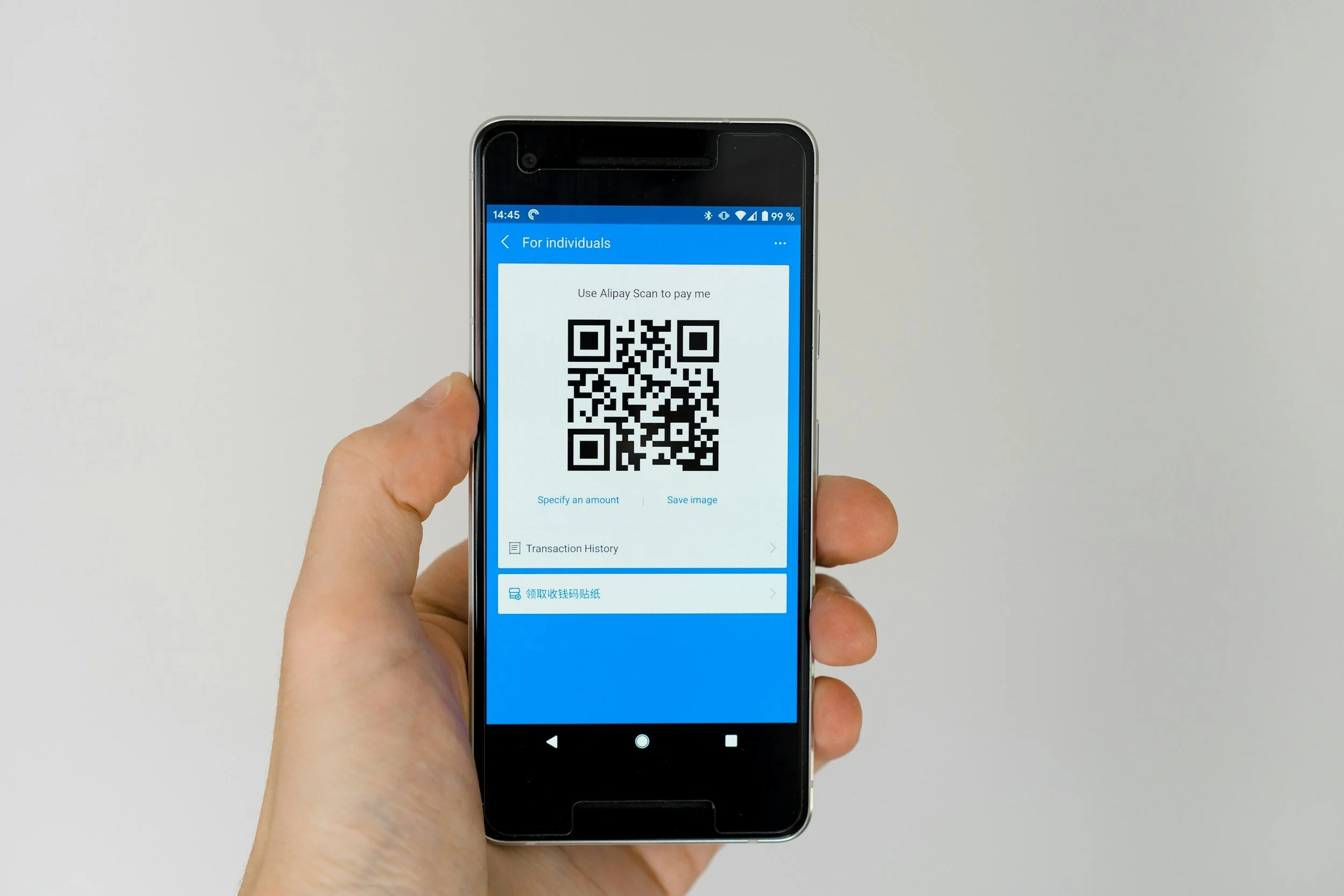
Donate using a QR code
Never made a donation using a QR code before? No problem! Follow our quick guide below:
-

1. SCANNER
Scan the QR code using your bank or Payconiq*.
*Available only in Belgium.
-

2. CHECK
Check the amount you wish to donate. Include your full contact information (last name, first name, address, and “DON”).
-

3. CONFIRM
Tap the payment button and confirm using your PIN, fingerprint, or facial recognition. You will receive immediate confirmation of your payment.

Make a donation via bank transfer
Lors de votre virement, indiquez dans le champ « Communication » : votre prénom, votre nom de famille, et le mot « don ».
En faisant un don, vous devenez automatiquement membre bienfaiteur de WARNED. Partagez-nous votre adresse email et nous vous remercierons personnellement.
Chaque euro que vous nous confiez est mis au service des Goldies pour rompre l'isolement, renforcer leur autonomie et améliorer leur qualité de vie.
Merci de faire partie de l'aventure.
BY BANK TRANSFER
WARNED - BE58 0689 4241 8479
Message: Full name + contact information + “Donation”

Tax Deduction
Nous ne disposons pas de la reconnaissance fiscale du SPF Finances. Vos dons ne sont pas déductibles des impôts.
Votre soutien n'en est pas moins précieux et va directement au service de nos Goldies.